Internal testing on Google Play
A local vault for voice recordings.
VoiceVault keeps capture visible while you record, surfaces microphone interruptions, and remembers playback position on longer clips — all on your device.
Learn the app

Tap record on the home screen, stop when you are done, and the file lands in your vault immediately. Open the vault to play back, search by name, rename, share, or delete. While a take is still running, that file stays pinned at the top of the list so you never lose track of an active recording.
Recordings stay on your phone. VoiceVault does not upload audio to ABuckOr2Apps servers. Microphone access is used only when you start recording in the app.
Capture first
One screen to record — vault when you need it.
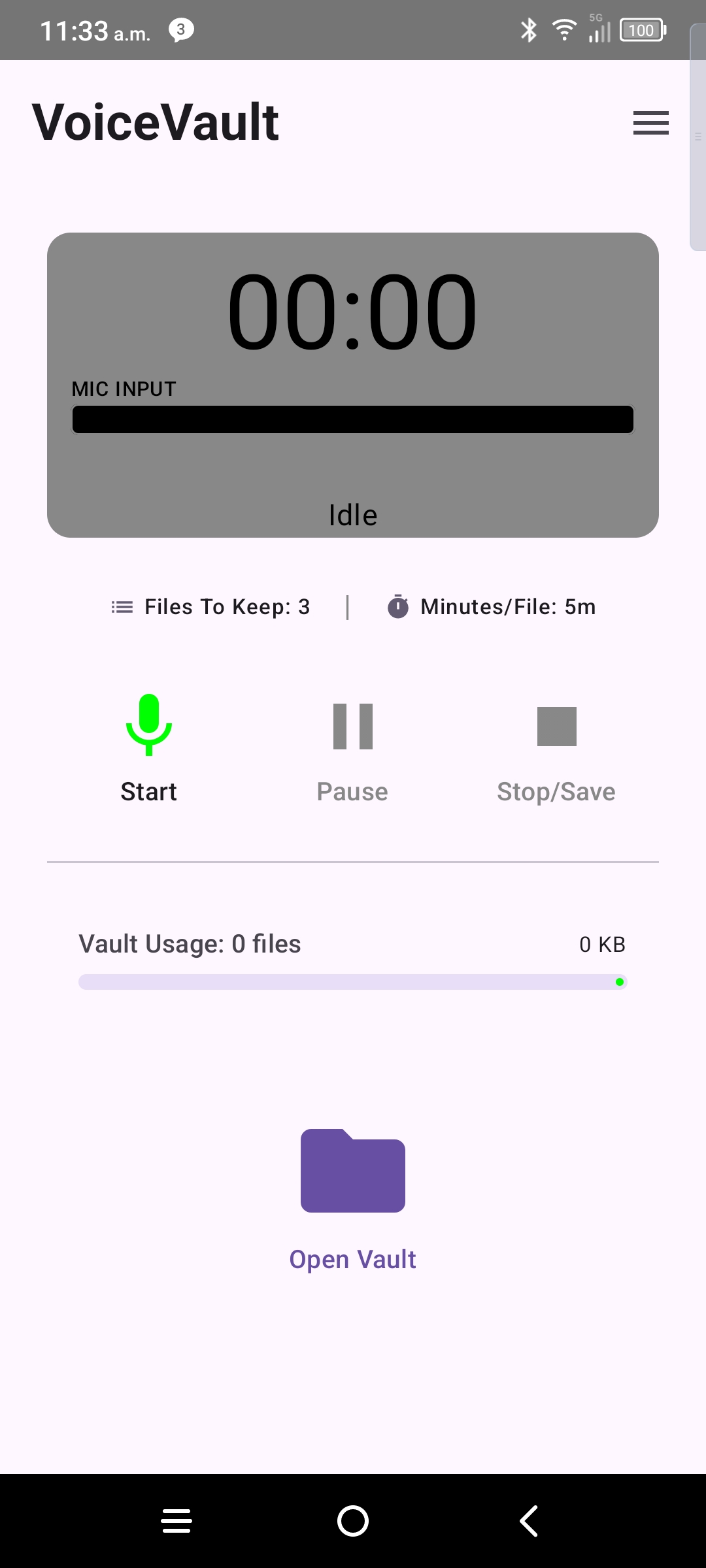
The home screen is your recorder: elapsed time, sound meter, pause and stop, and a clear path into the vault. No account required for core use.
- Record / pause / stop with visible elapsed time and level meter.
- Microphone loss is surfaced if another app steals the mic mid-take — see Mic. Management.
- Foreground service keeps long recordings alive with a persistent notification.
- Vault button opens your file list without stopping an active capture.
Vault and playback
Manage clips on-device — search, resume playback, share, or bulk delete.
Active recording stays visible
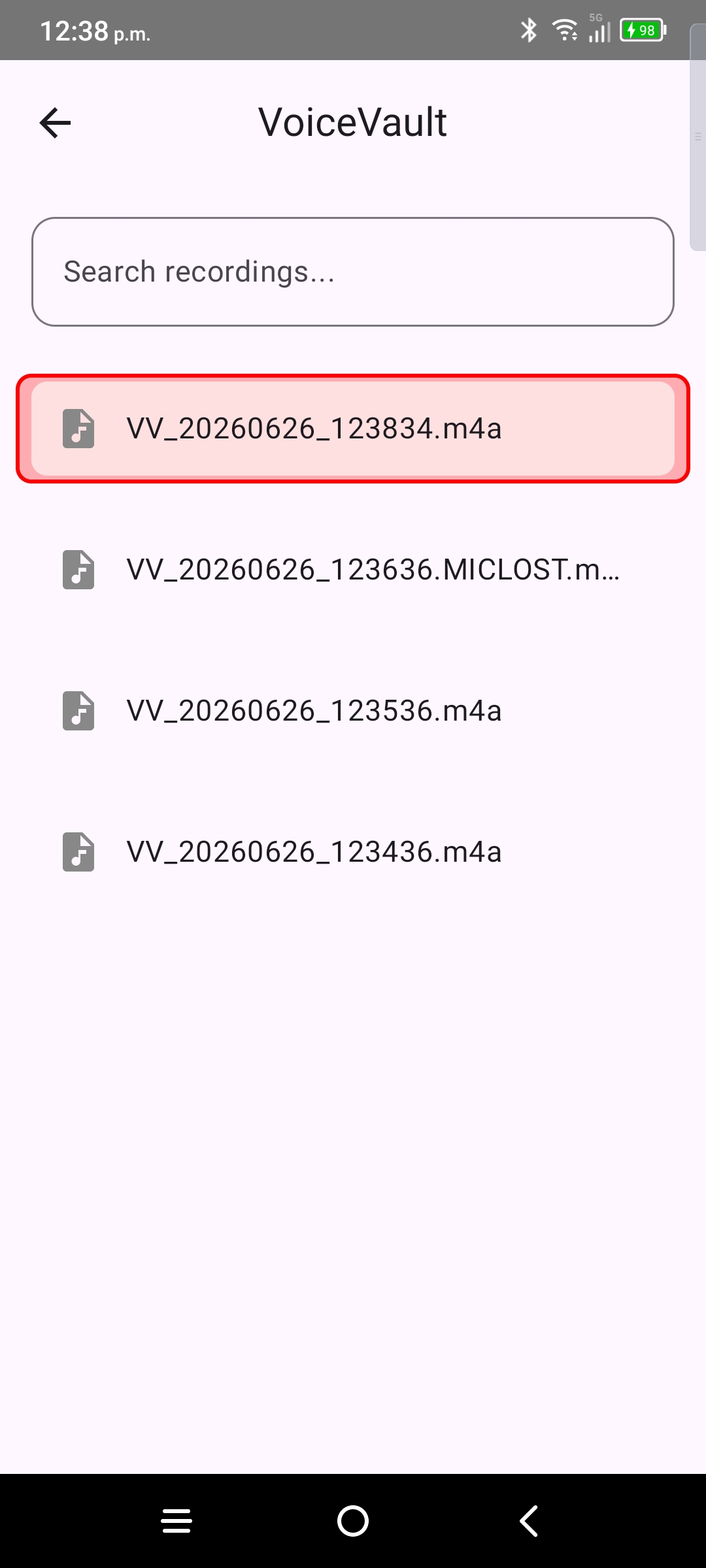
While you record, the in-progress file appears at the top of the vault list so you can monitor length and jump in without hunting for it later.
Playback resume
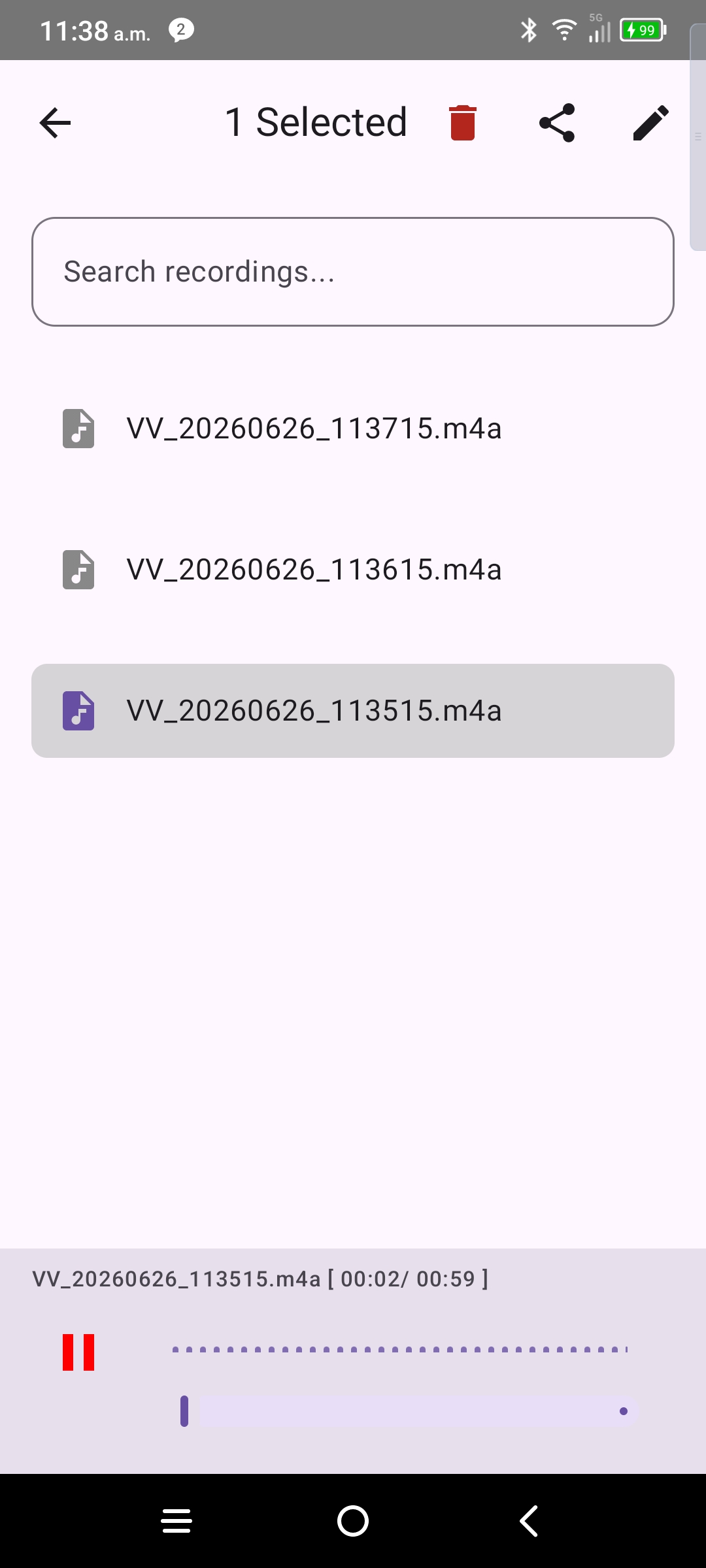
Long clips remember where you stopped. Return to a file and playback picks up from your last position instead of starting over.
Search and manage
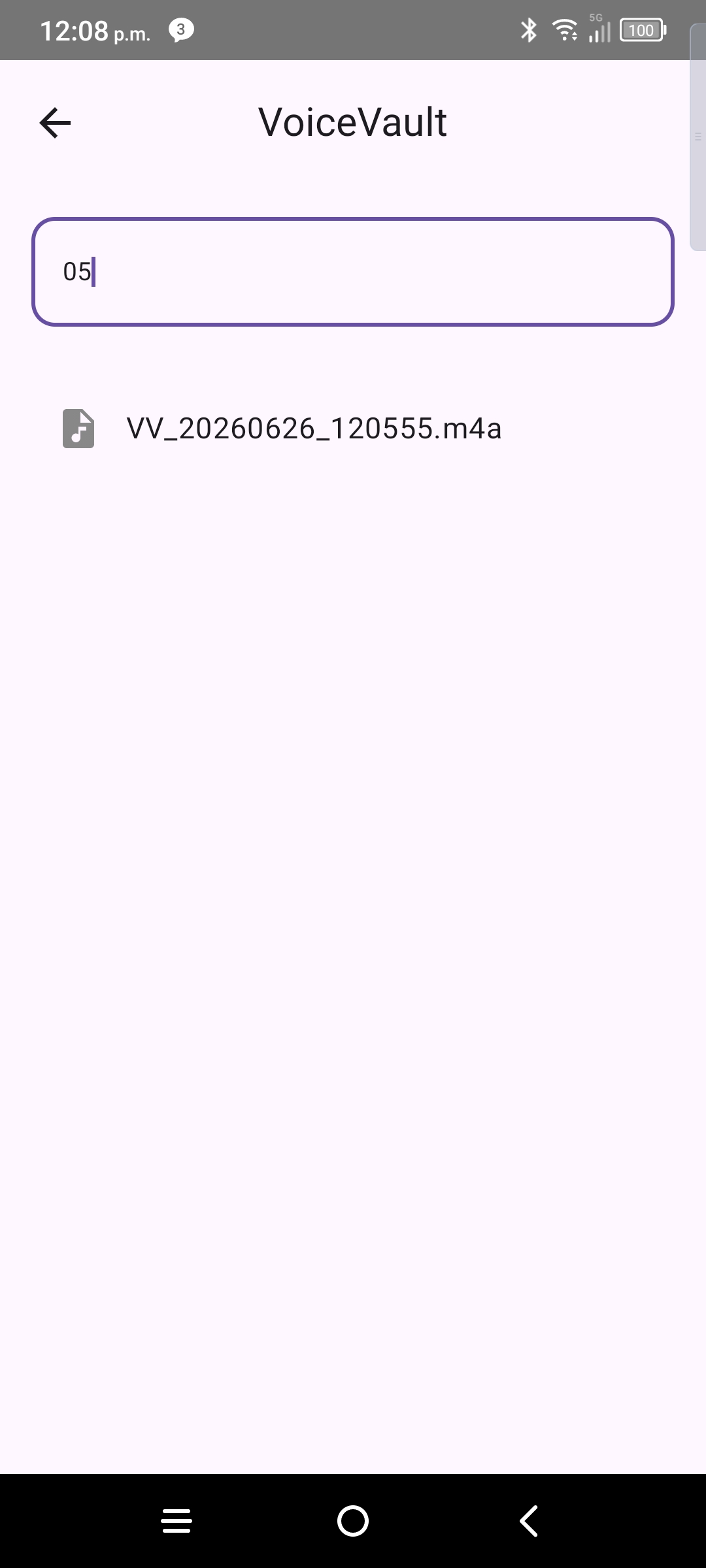
Filter the list by filename, rename clips, share multiple files, or enter manage mode to select and delete in bulk.
Free and Pro
VoiceVault is free to install with clear limits. Optional Pro subscription expands vault capacity and clip length when paid Pro is active.
Use Restore subscription in the menu after reinstall or on a new device. Legacy one-time Unlimited purchases are still honored.
Ready to set up?
Allow microphone and background access when prompted — then record your first clip.
Learn the app