Internal testing on Google Play
Notifications under your control — even after you dismiss them.
Oops! I didn't mean to do that. What was it?
NotiVault is your notification memory on Android: active shade copies, dismissed history, and full context in one encrypted local timeline that stays easy to scan.
Learn the app

If you clear notices constantly and still need them later, NotiVault replaces repeated trips into the Android shade with one quieter vault. Notices are grouped by app, older rows expand in place, and detail stays scoped to the view you came from — Active, Dismissed, or Total — without dumping an entire package history on you.
Everything stays on your phone. The vault is encrypted at rest, excluded from Google cloud backup, and never uploaded to ABuckOr2Apps servers.
Single source of control
The top three rows are your dashboard.
NotiVault keeps navigation, control, and context in one fixed header — you rarely need to hunt through menus to know where you are, what you are seeing, and how it is sorted.
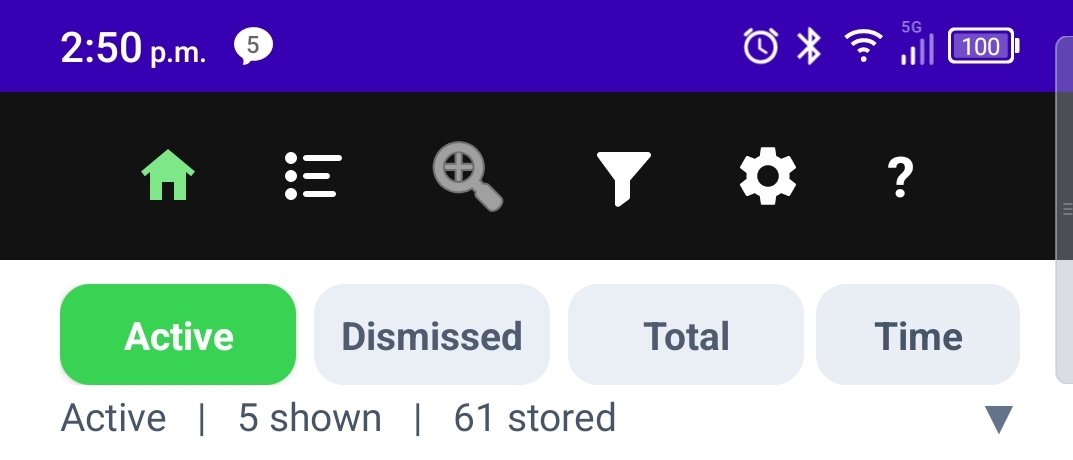
- Row 1 — Navigation. Home (timeline), Top Sources, Zoom by App, Filters, Settings, and contextual Help — always one tap away.
- Row 2 — View + Sort. Switch Active, Dismissed, or Total history, then change sort (time, app, or count) without leaving the timeline.
- Row 3 — Scope + counts. See your current lens (all apps, Zoom by App, search, or filter drill-down), how many notices match, and how many are stored in the vault.
- One place to orient. Zoom, search, and filter states read back on rows 2–3 so the list below is never a mystery.
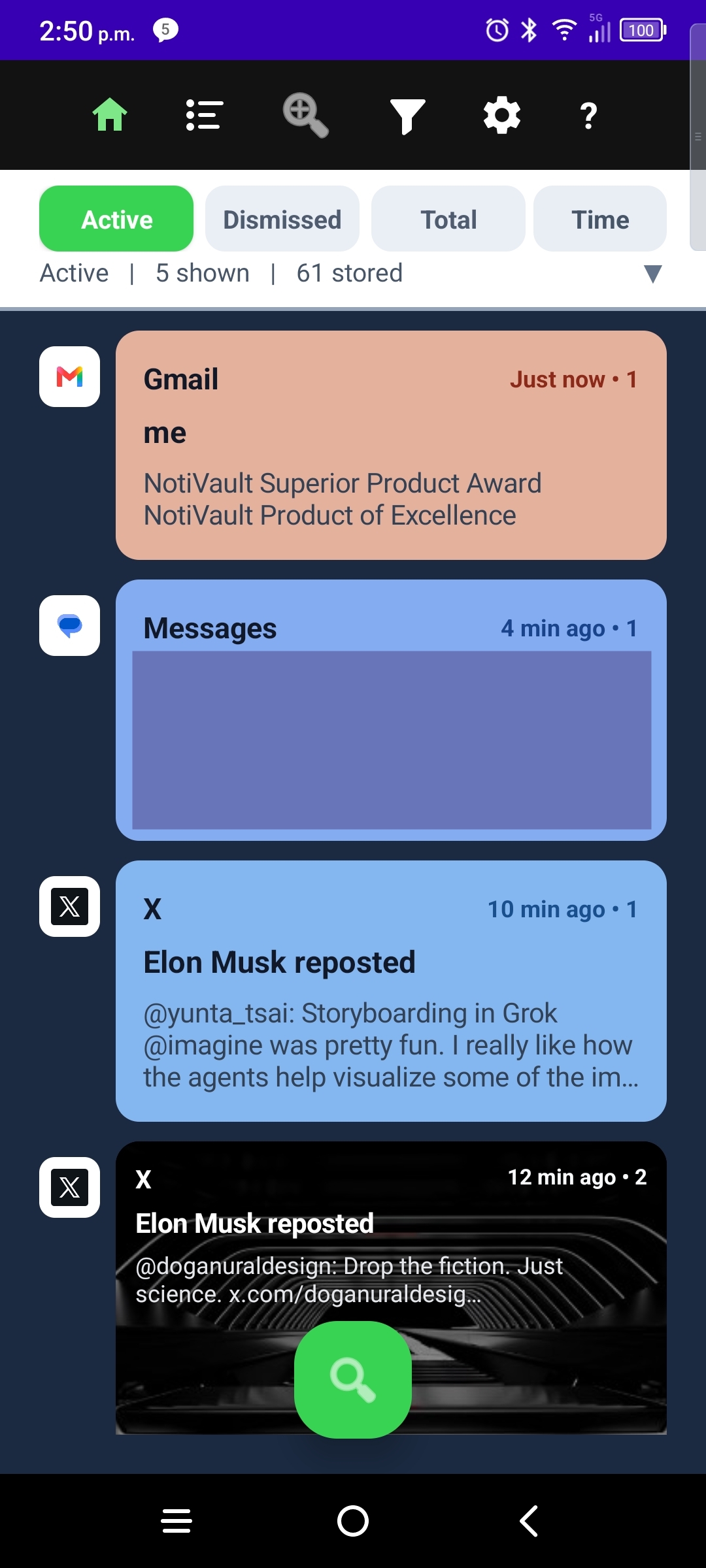
Built around that dashboard
Deep tools stay tied to the same home screen — not scattered across separate apps screens.
Three vault views, one switcher
Active mirrors what is still in your shade. Dismissed keeps copies you cleared. Total is full history. Same grouping and expanders in each view; swipe rules differ — see in-app help.
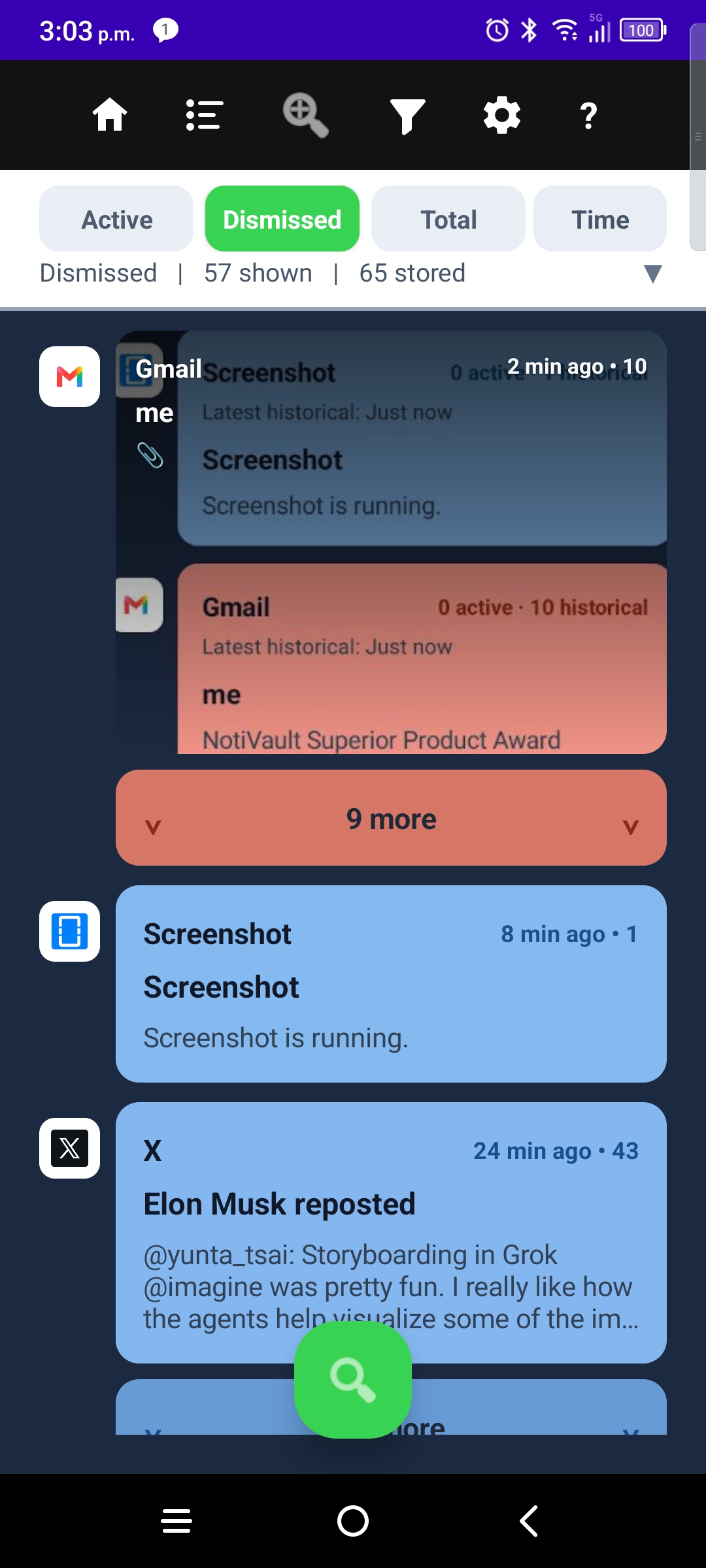
Grouped timeline + “1 more”
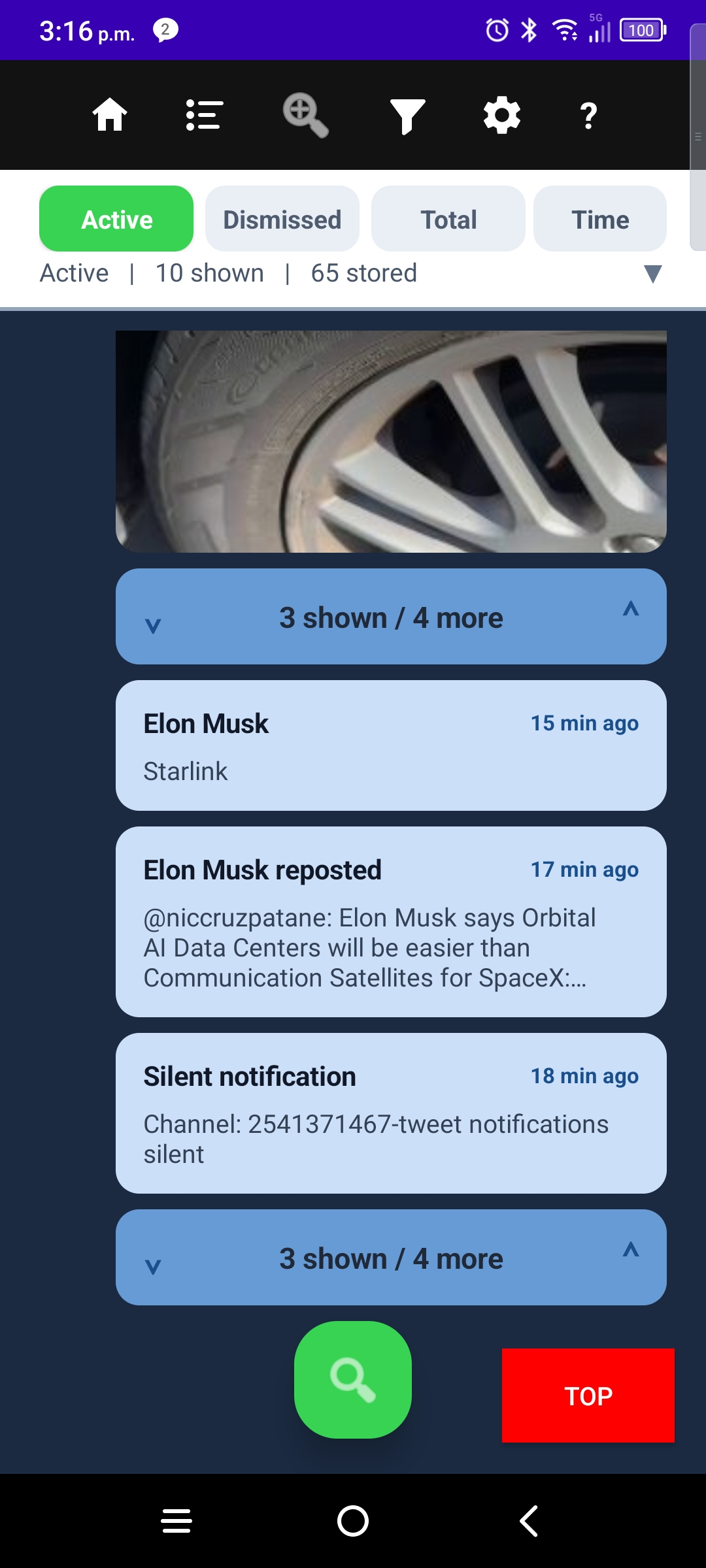
Notices stack by app with a hero card on the latest row. Tap 1 more to expand older notices in place — no jump to a separate per-app dump.
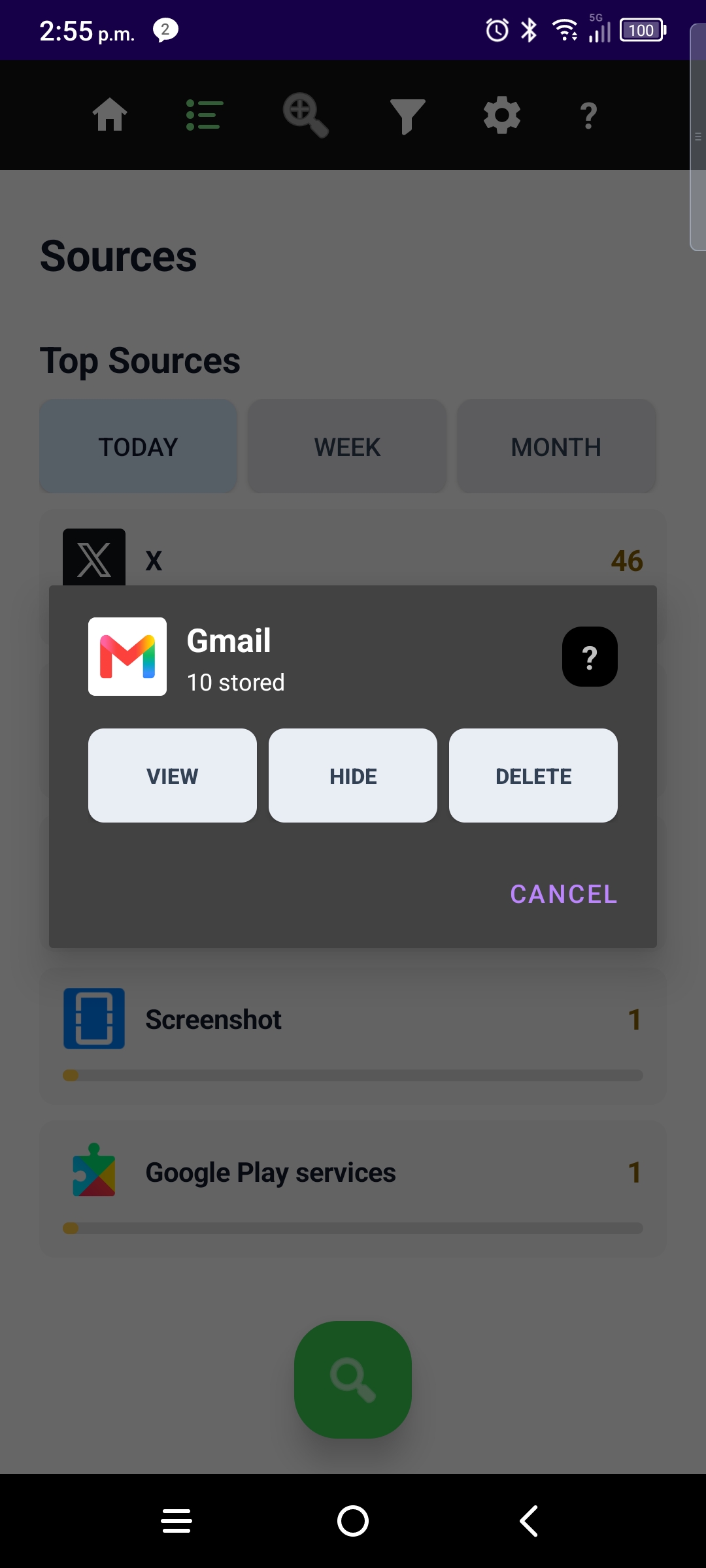
Top Sources
See which apps dominate your day, open a source timeline, and jump back to the main dashboard when you are done.
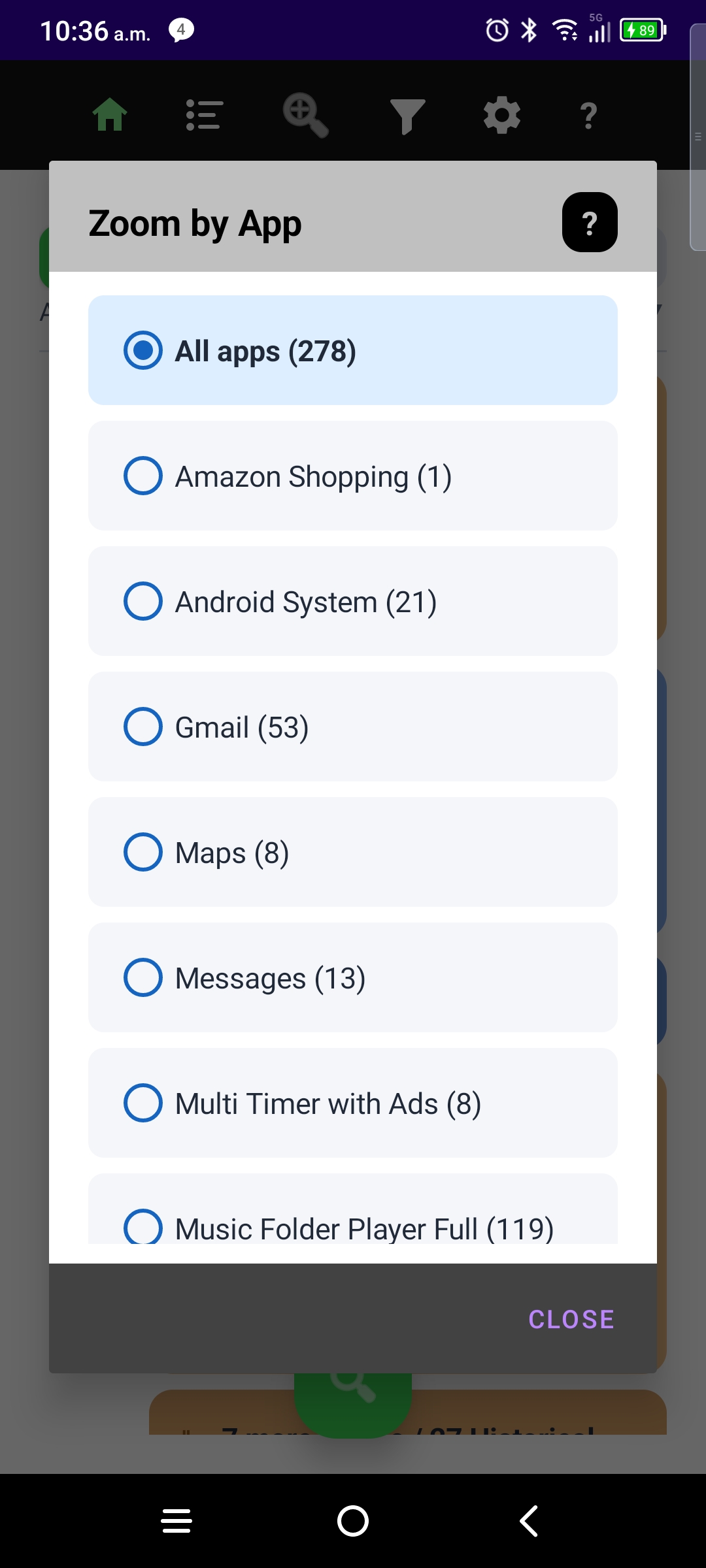
Zoom by App
Lens the whole timeline to one package — maps, messaging, or anything noisy. Line 2 of the header shows the zoom so you always know the scope.
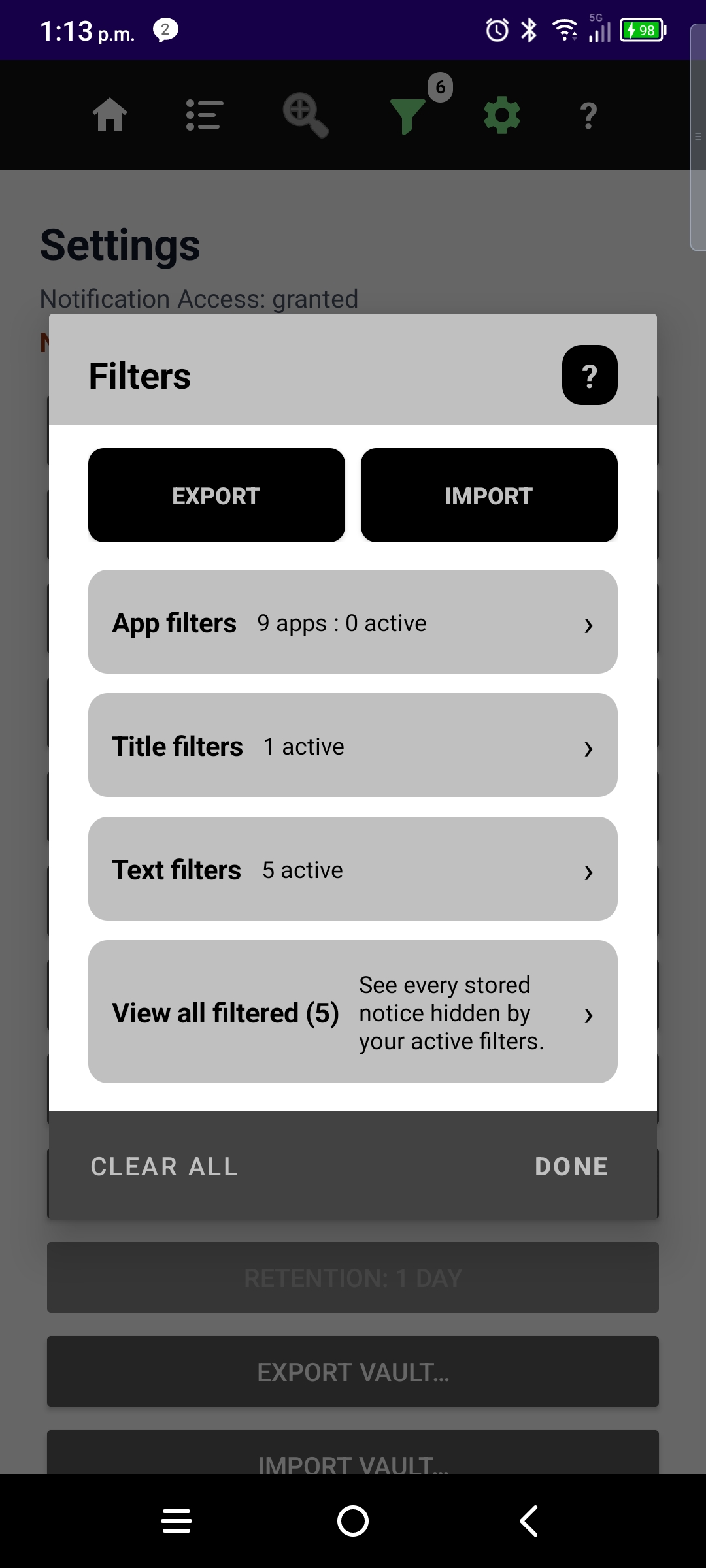
Filters
Block or allow by app, title phrase, or body phrase. Trial and Pro tiers set phrase limits; filtered-notice audit mode is available when you need transparency.
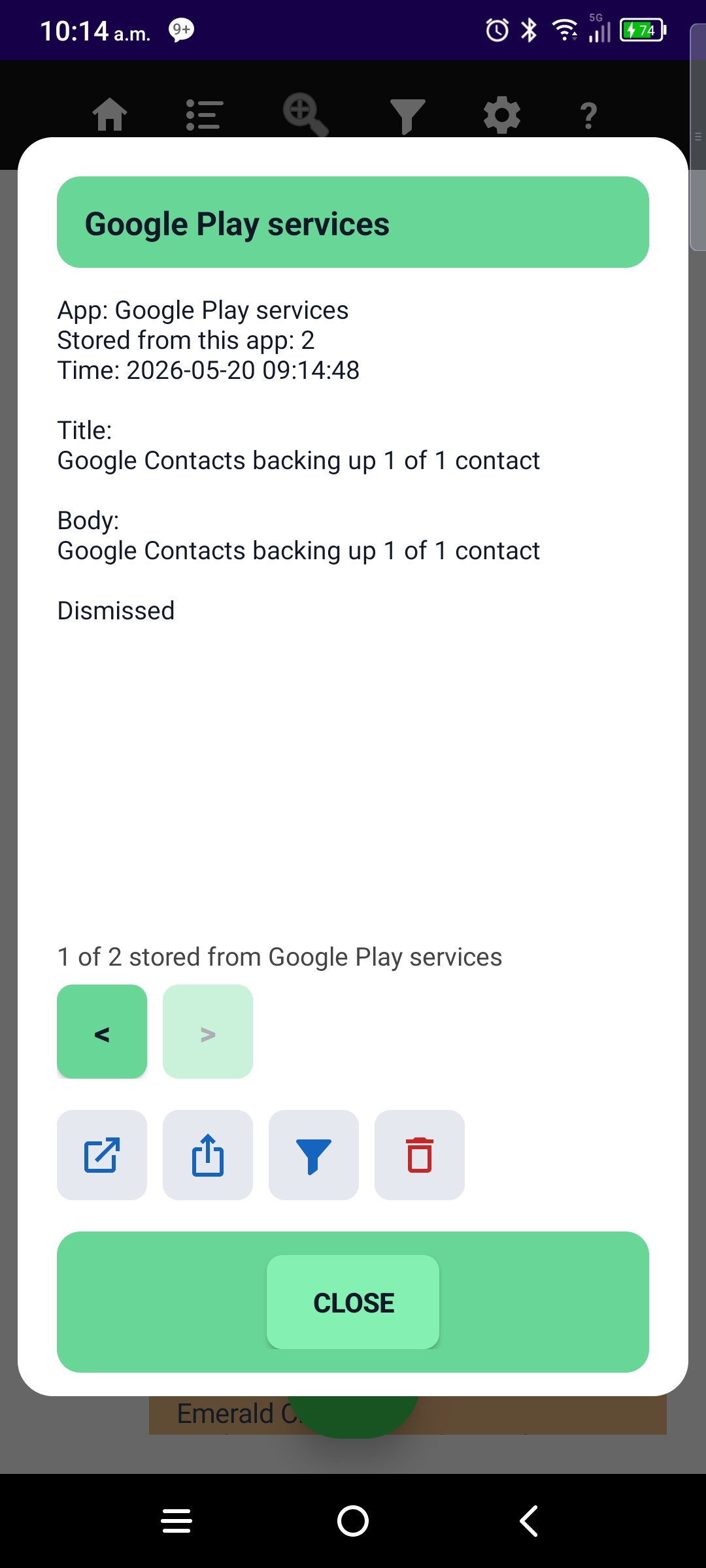
Detail that respects your view
Open a notice for full text and actions — scoped to Active, Dismissed, or Total, not an entire package history at once.
Trial and Pro
NotiVault is free to install with a Trial tier and an optional Pro subscription. Limits are enforced in the app so you know before you hit a wall.
A Play subscription may include an introductory offer — same Trial caps until Pro is active.
Ready to set up?
Two mandatory onboarding steps — notification access and background protection. Follow the guides exactly.
Learn the app