
What filters do
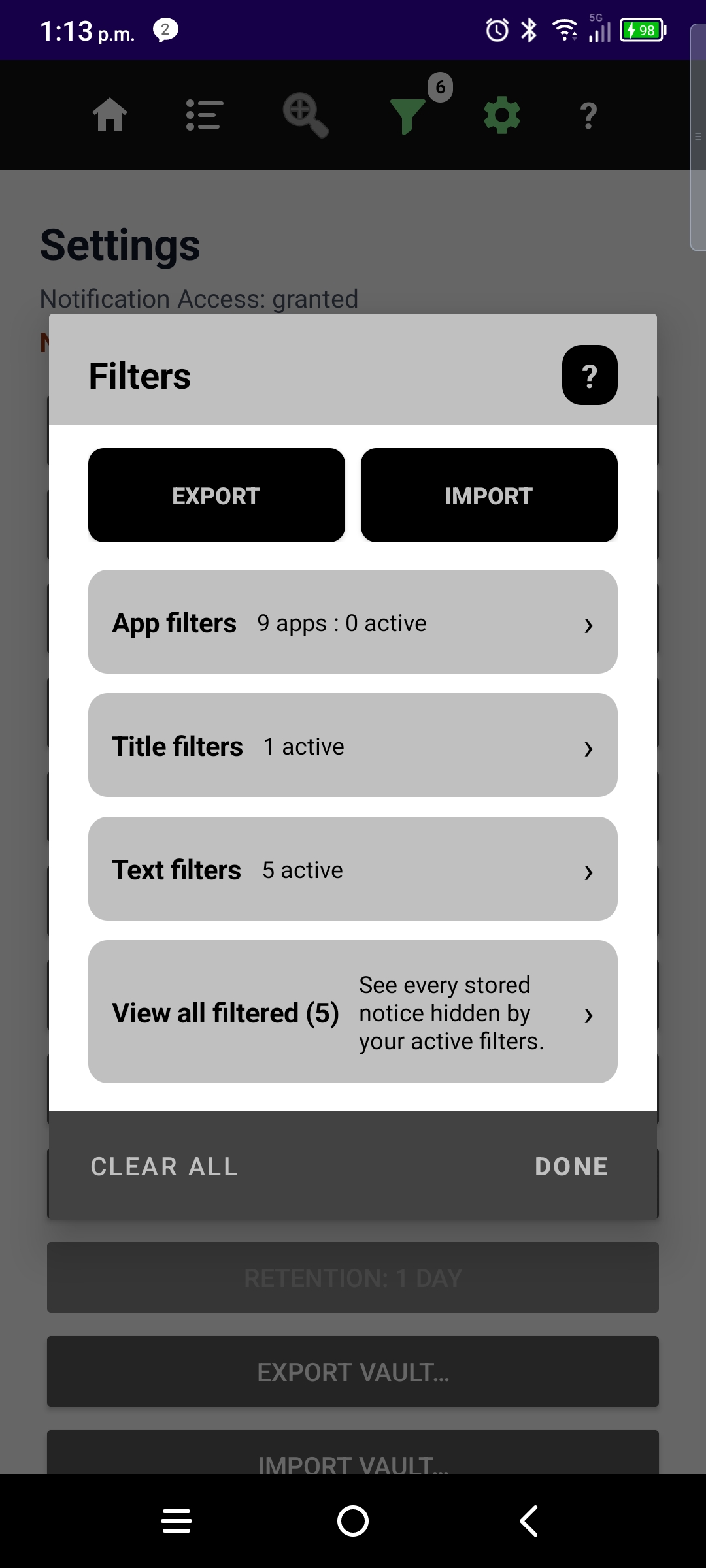
- App filters — hide or allow whole packages.
- Title / text phrase filters — match words in the notice title or body.
- View all filtered — opens an audit of hidden notices; counts there are filtered matches only, not your everyday Active list.
Trial: unlimited app filters; up to 2 title and 2 text phrase filters. Pro: unlimited phrase filters. Tap Home or press Back to return to Active from a filter drill-down.
More guides: Timeline · Sort · Zoom by App · Top Sources · Settings · Onboarding · NotiVault overview